🍖
It Needs Looking After
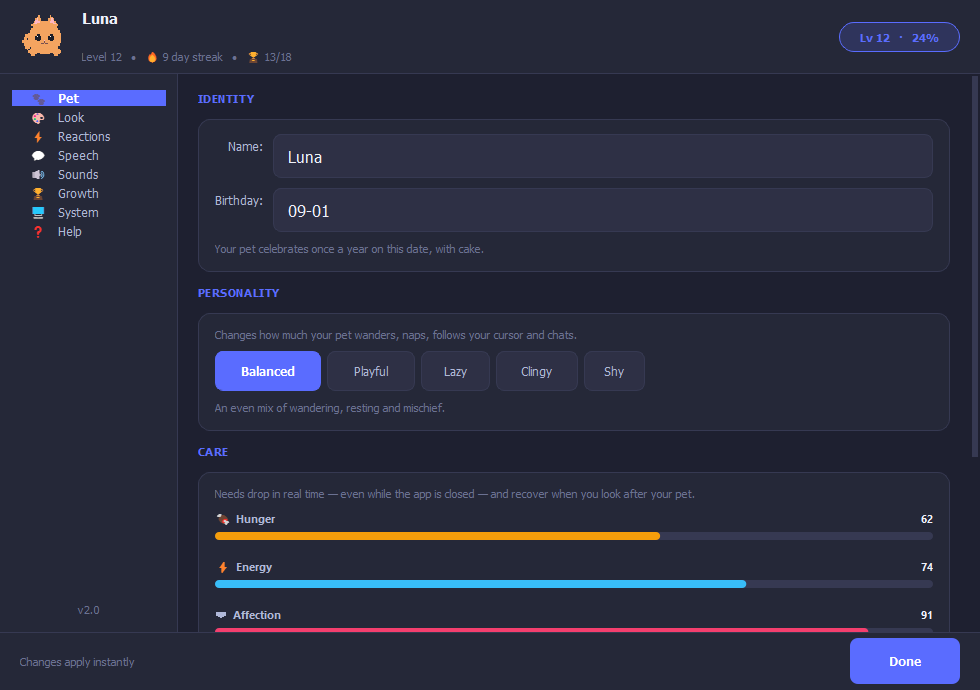
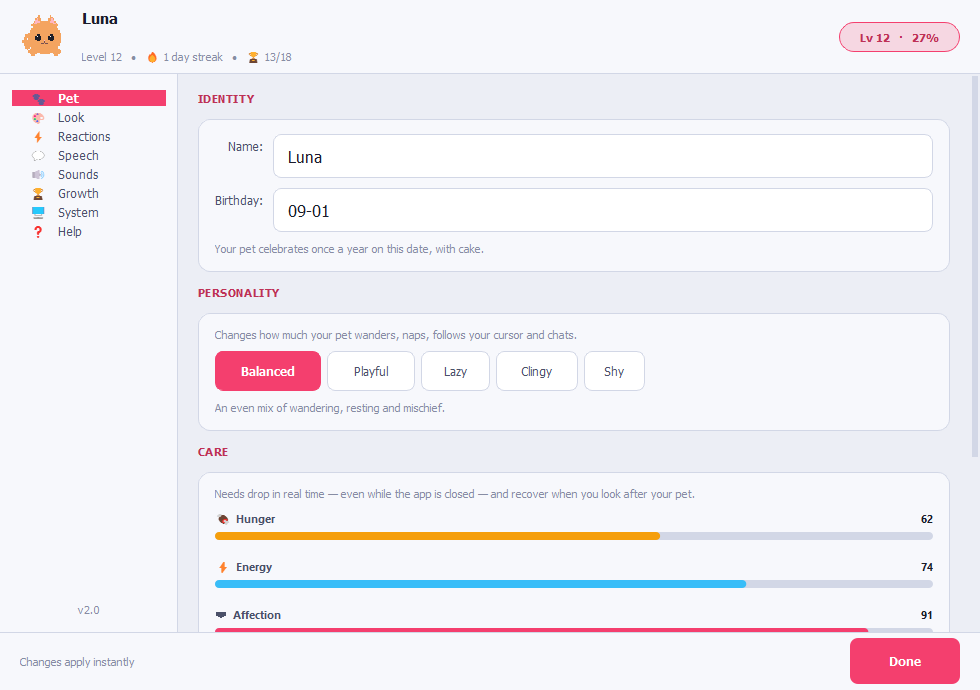
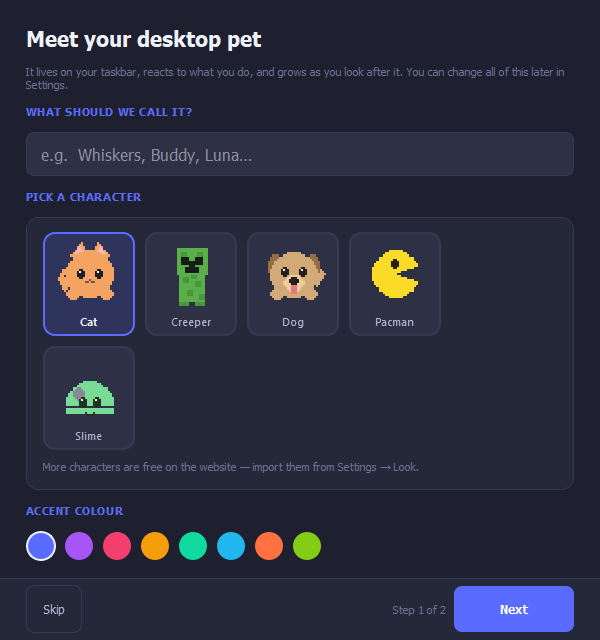
Hunger, energy and affection run on the real clock — even while the app is closed. Feed it, let it sleep, and it thrives. Ignore it and it will tell you about it.
New in 2.0
⭐
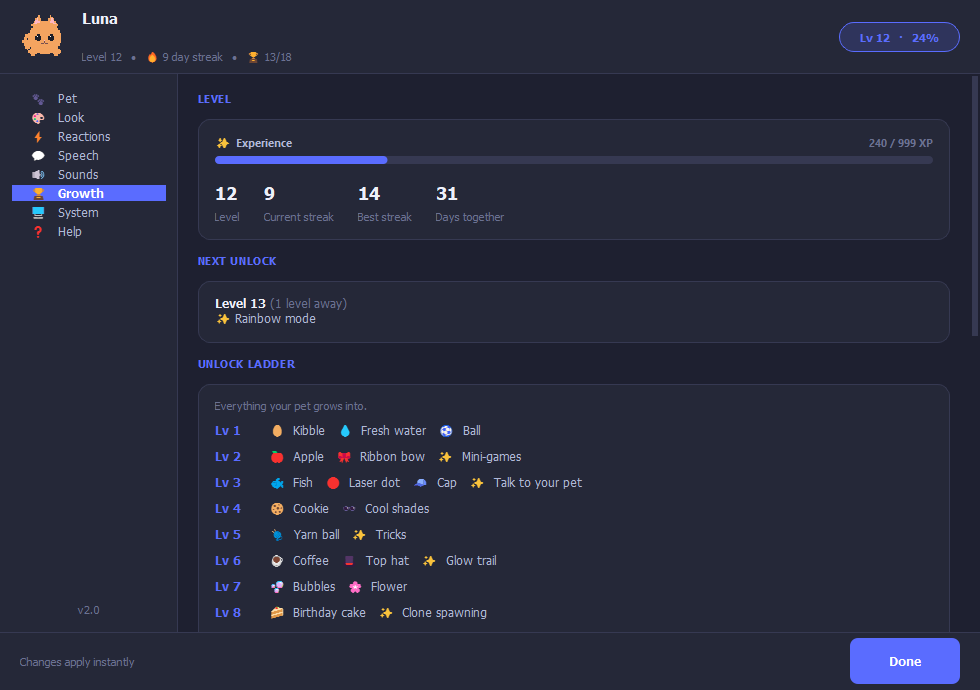
30 Levels of Unlocks
XP from everything you do together. Levels unlock food, toys, hats, mini-games and chat.
🎮
Mini-Games
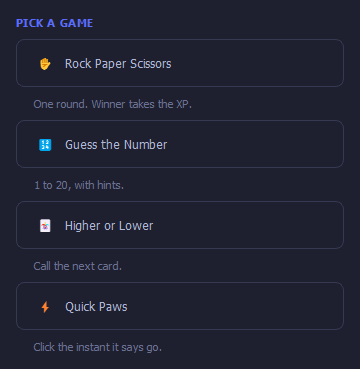
Rock paper scissors, guess the number, higher or lower, and a reaction test — winner takes the XP.
💭
Talk To It
Type to your pet and it answers in character. Tell it to sit, spin or play dead and it actually does.
🎨
32 Theme Combos
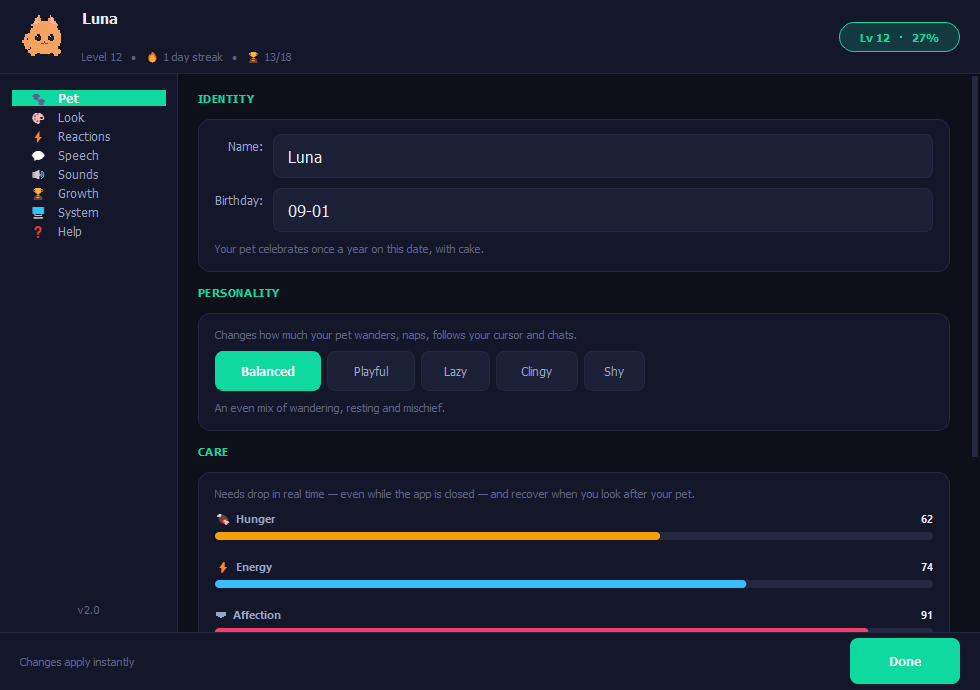
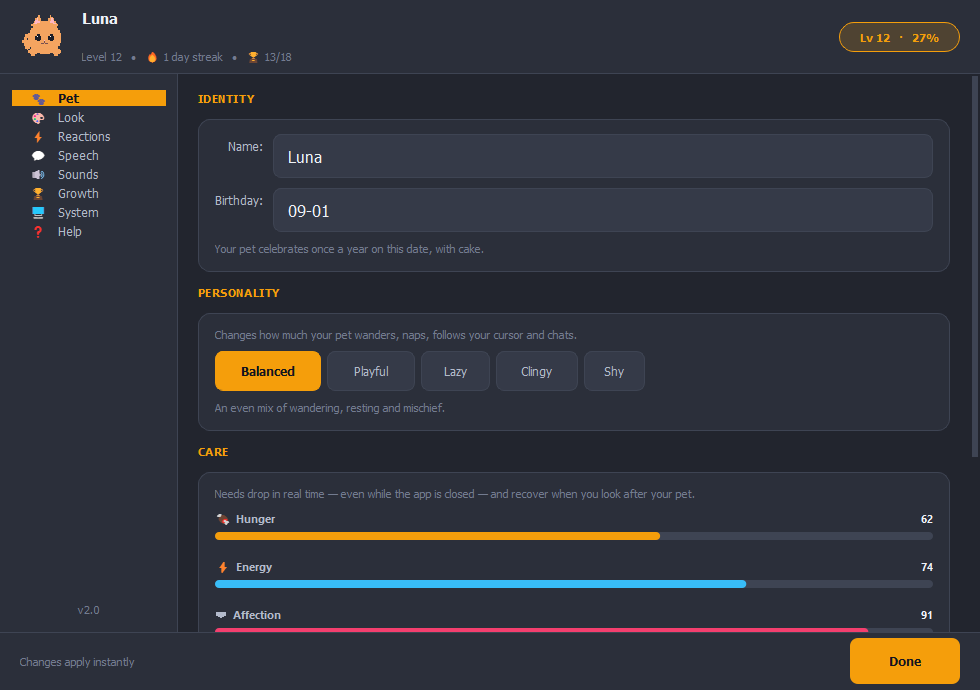
Eight accents across four backgrounds, including a light mode. One click retints every window.
🌤
Live Weather Reactions
Set your city and the pet checks real weather. On rainy days it hides under an umbrella. Sunny? It dances. Works with any city worldwide.
wttr.in API
😊
Mood System
Mood changes based on how you treat it — saved between sessions. Ignore it for too long and it sulks.
🪟
Climbs Your Windows
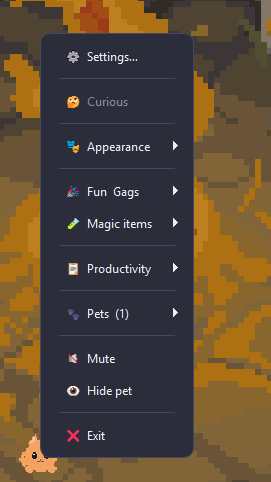
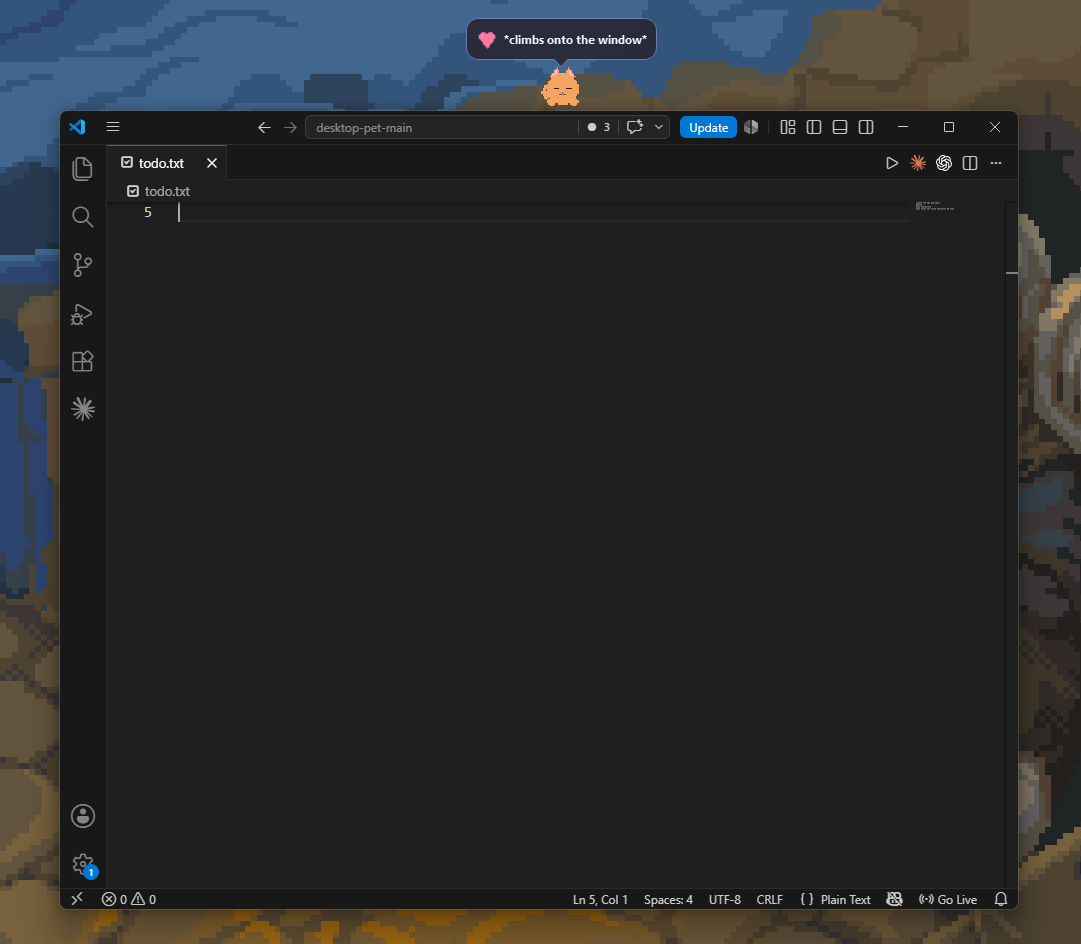
The pet detects open app windows and hops onto their top edge. Right-click → Sit on window.
🎉
Gags & Animations
Balloon, rocket, portal, moonwalk, freeze, cursor steal — trigger them from the right-click menu any time.
⚡
PC Reactions
Reacts to low battery, downloads finishing, File Explorer opening, idle time, and more — automatically.
🖱
Fully Interactive
Left-click to pat · Double-click to hear it talk · Drag to move it anywhere · Release fast to fling it · Shake it for a surprise reaction.
Click Pat
Drag Move
Throw Fling
Shake Annoy
💬
Custom Speech Lines
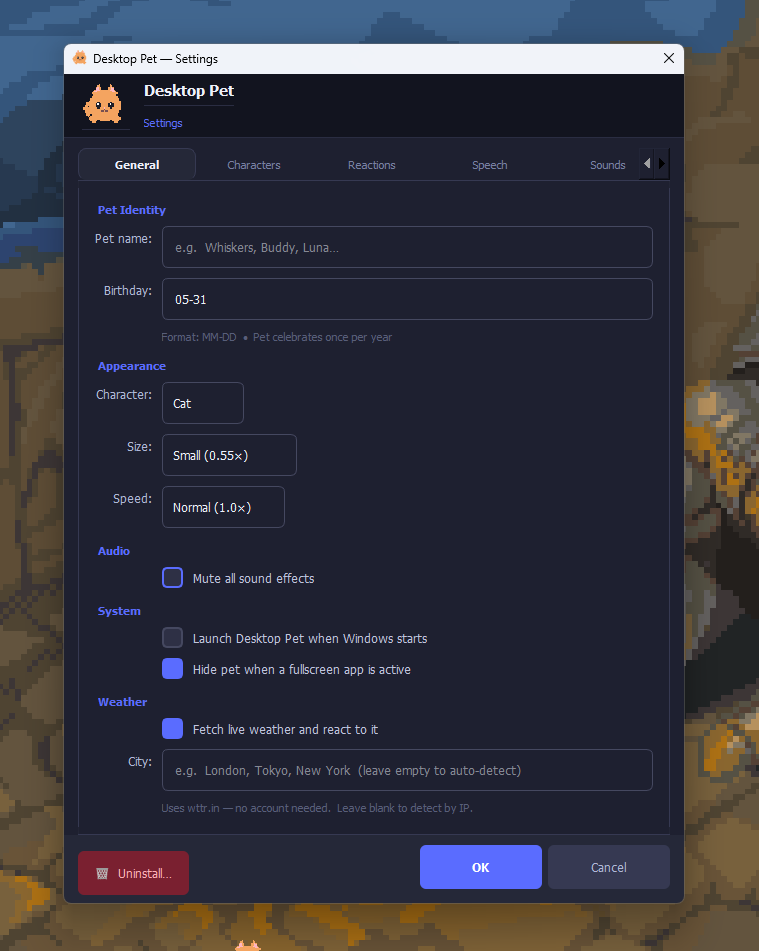
Add your own messages in Settings → Speech. The pet mixes them with its built-in lines.
🎩
Accessories
Bows, caps, shades, top hats and crowns — every character can wear every item. Unlocked by levelling up.
🧠
Five Personalities
Balanced, playful, lazy, clingy or shy — changes how much it wanders, naps and follows your cursor.
🐾
Multiple Pets
Spawn more than one pet — they interact with each other on the taskbar.
🌨
Seasonal Effects
Snow in winter, cherry blossoms in spring, autumn leaves in fall — automatic based on your system date.